
What's New: Note Sharing for Multiple Farms 🎉
Your notes, now across every farm you work with.
When you're working with multiple farms, your notes are often your most reliable reference in the field — they capture what you've seen and what you want to follow up on.
"With Enterprise, Farmable already gives you one place to see fields, jobs, harvest and hours across the farms you work with. Now, this view includes monitoring notes."
Open Enterprise → Logs → Notes to see a combined view of every regular and monitoring note from your connected farms — with full context, in one place.
What this means in practice
Working across multiple farms, you start to see how observations relate to each other, patterns that aren’t visible within a single farm.
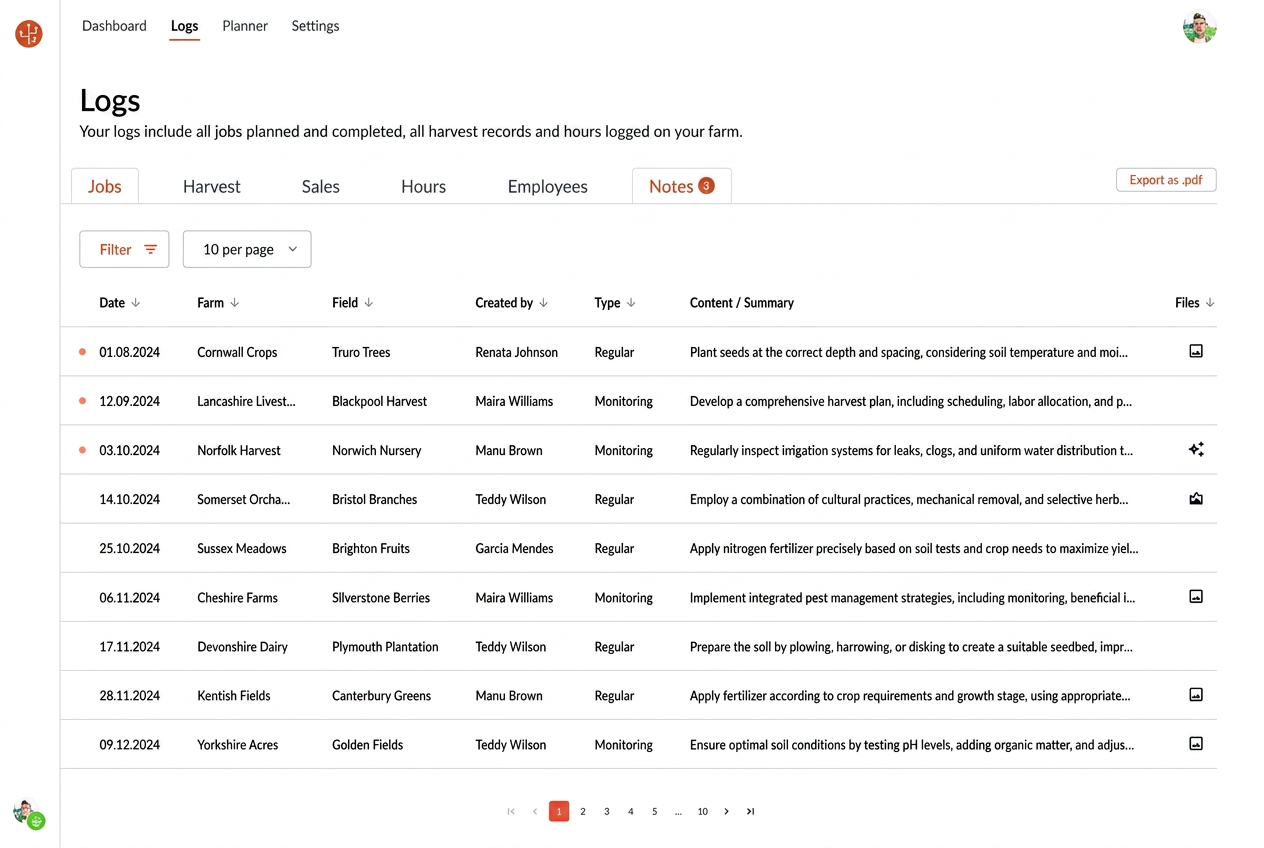
Review observations from different farms in one place
Every regular and monitoring note from your connected farms, aggregated in the Logs → Notes tab. Filter by date, farm, field, author, or note type to find exactly what you need.
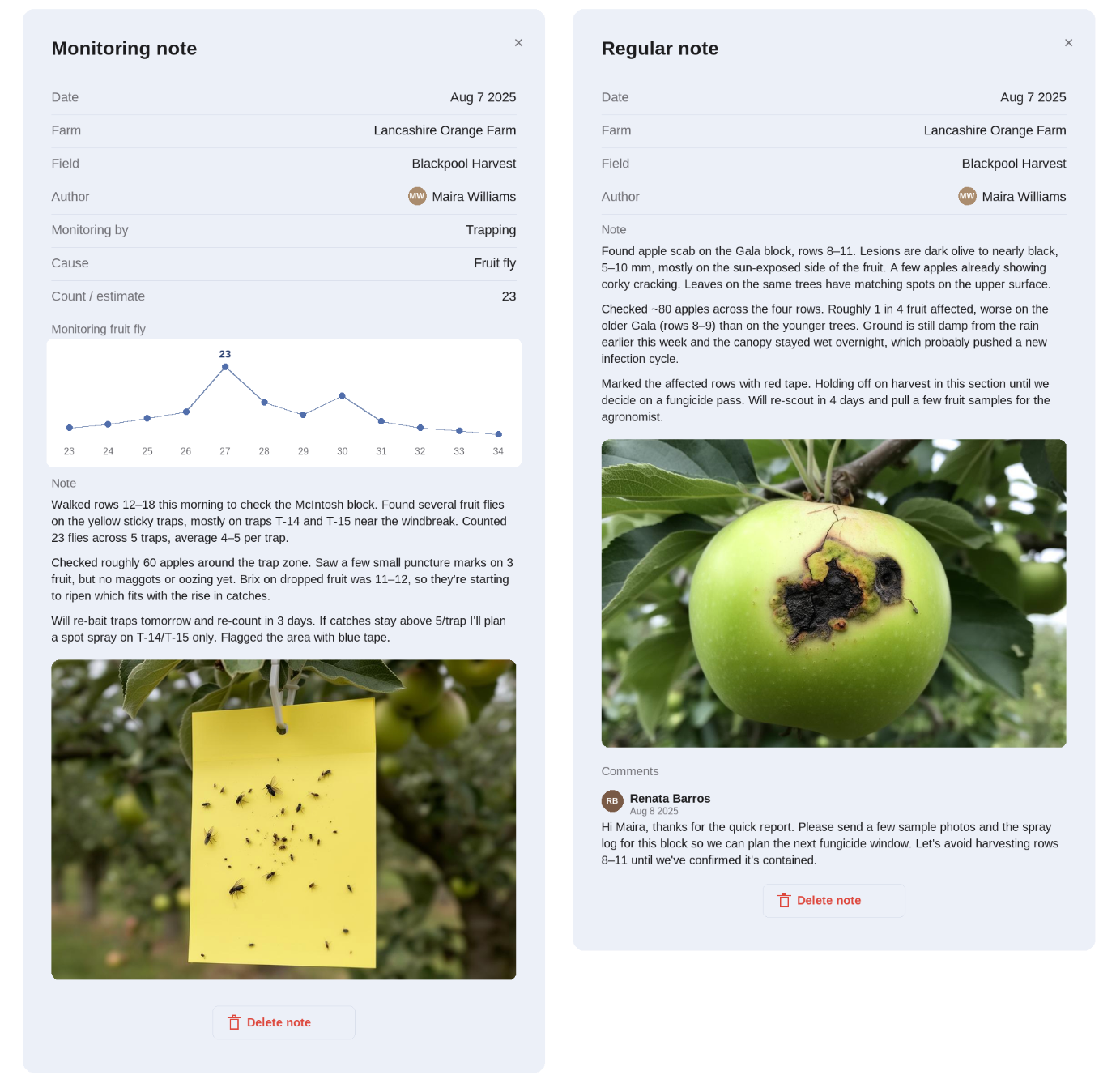
IPM notes that scale across your network.
Revisit notes without switching between farms. Each note keeps the detail captured in the field:
- •Photos and visual evidence
- •GPS location, field and block
- •Timing, author and comments from your team
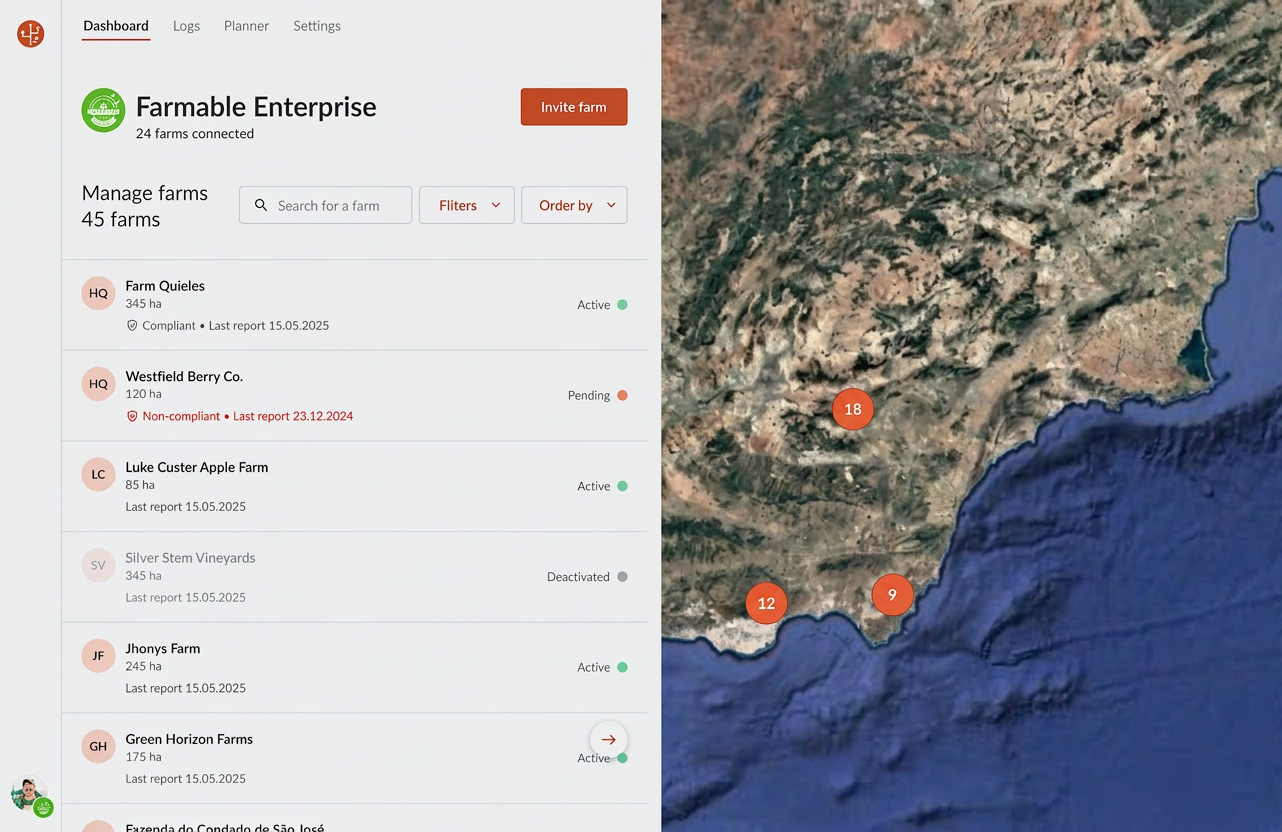
Spot patterns across your network
When notes from every farm sit side by side, you start to see:
- •Similar issues appearing in different locations
- •Differences in timing between blocks
- •Trends that aren't visible within a single farm
How to access it
Open Enterprise → Logs → Notes to see a combined view of notes across all your connected farms.
Note Sharing is included in Farmable Enterprise. Already an Enterprise customer? If things are not working as they should, or if you have any comments, reach out to **@******le.tech so we can clear it up as soon as possible.
Monitoring solutions for IPM: FAQs
Common questions about IPM monitoring across multiple orchards.
Farmable Enterprise gives IPM teams a single view of every regular and monitoring note from all connected farms. You can filter by farm, field, author or note type to spot pest pressure, disease outbreaks and beneficial activity across your whole network — not just one orchard.
In Farmable Enterprise, open Logs → Notes to see every monitoring and regular note from your orchard in one place. Filter by date range, field, block or author, then review photos, GPS location and team comments to summarize what’s been observed and what needs follow-up.
IPM (Integrated Pest Management) monitoring software helps growers and agronomists record pest, disease and beneficial observations in the field, then analyze them over time. Farmable combines in-field monitoring notes with photos, GPS and team context, and rolls them up across multiple farms in Enterprise.
With Farmable Enterprise, monitoring and regular notes from every connected farm are automatically aggregated in Logs → Notes. There is no manual export — agronomists, IPM leads and farm managers see the same up-to-date observations across the whole network.
Yes. When notes from every farm sit side by side, you can see similar issues appearing in different locations, differences in timing between blocks, and trends that aren’t visible within a single farm — making IPM decisions faster and more proactive.
Yes. Note sharing across multiple farms is included in Farmable Enterprise at no extra cost. If you’re already on Enterprise, it’s live in your portal this week.
Use Farmable’s monitoring notes to log pests, diseases and beneficials directly in the field — with photos, GPS location, field and block. In Enterprise, every note from every farm is aggregated in Logs → Notes, so IPM leads can track outbreaks, follow-ups and treatment effectiveness across the whole orchard network in one view.