
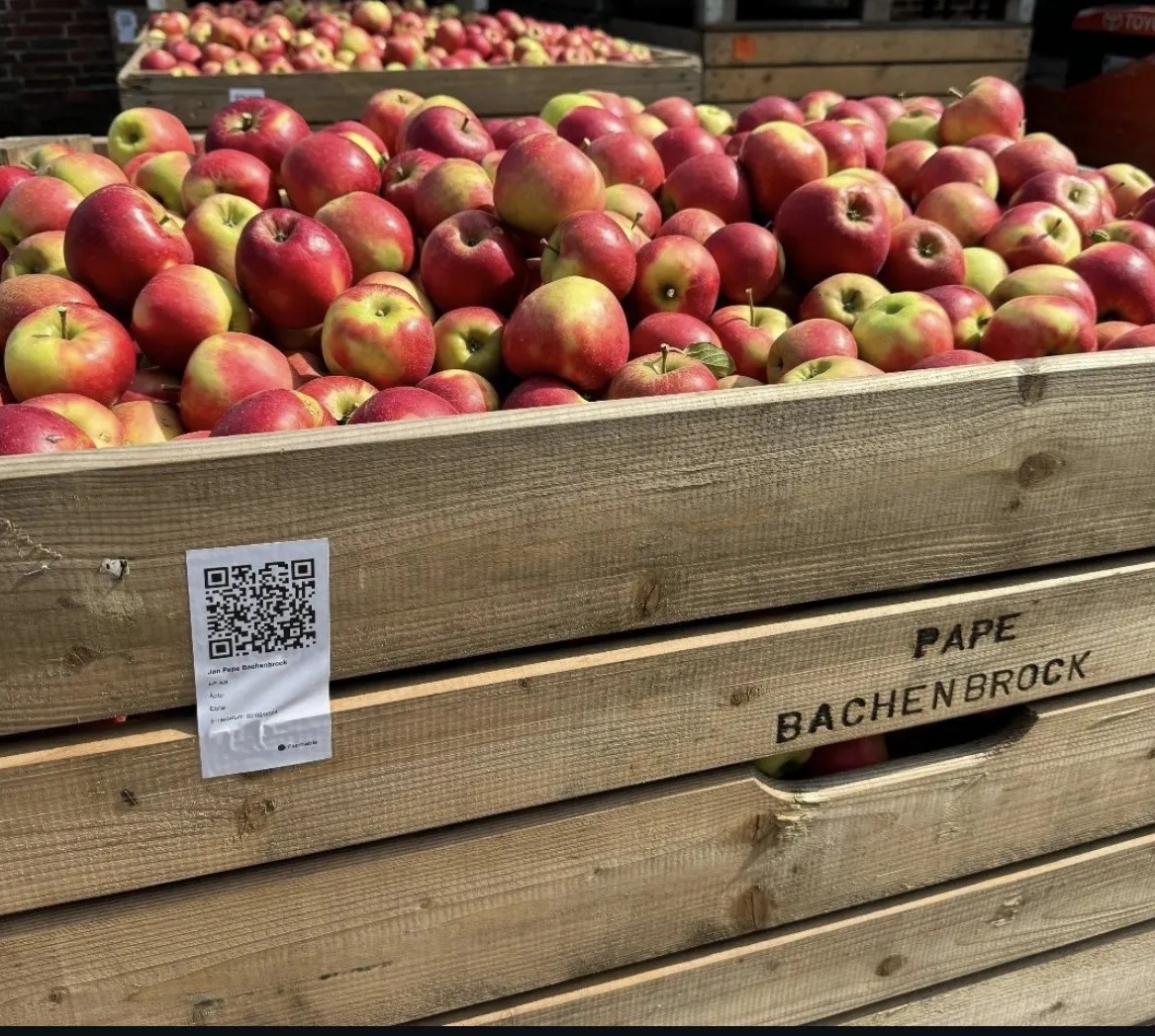
- New: print the consignment note or bill straight from the sale record, seeded from the harvest batch it came from
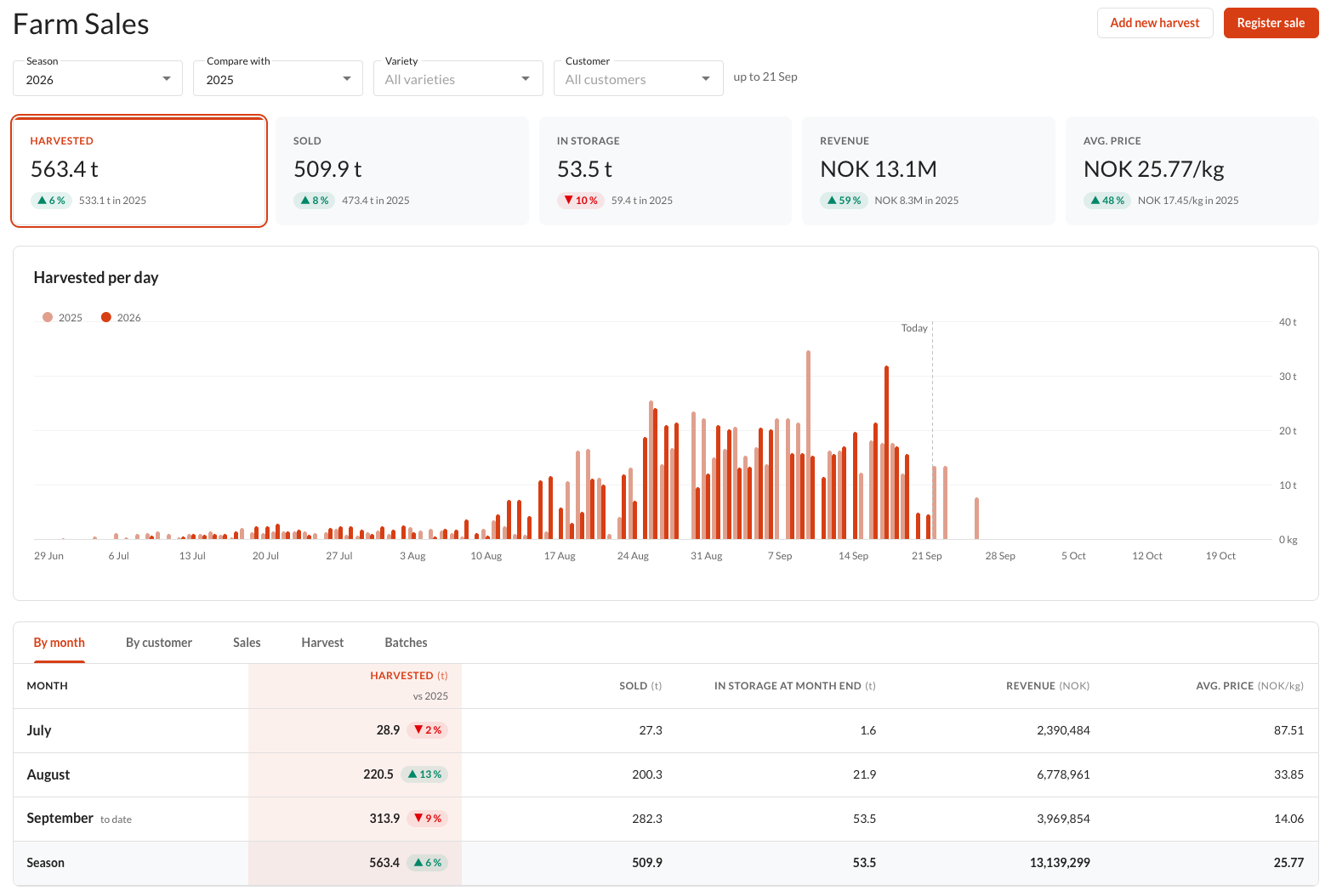
- One view: harvest, storage and sales together for a season, by month, customer or batch
- Context: compare revenue and average price against any earlier season you have recorded
If you have been printing bin labels in Farmable at harvest, you already know the feeling of having your paperwork match your fruit. The latest update to Farm Sales in the Farmable Web Portal extends that same idea to the other end of the season: when a sale goes out, you can now print the consignment note or bill straight from that sale record, with no re-typing quantities into a separate document and no hunting for the right batch details after the truck has already left.
It is a small change on paper, but it closes a gap a lot of specialty-crop growers have been working around manually for years. Here is what is actually useful about it, and a few other things that came with it.
From bin label to consignment bill, without re-entering anything
The workflow now runs start to finish inside the same record. A harvest comes in and gets a bin label. That harvest gets sold, and because the sale can be seeded directly from the batch it came from, you are not retyping the variety, grade, or quantity a second time. Once the sale is registered, the consignment note or bill for that sale prints from the same row.
For a lot of packhouse and farm-gate operations, this is the paperwork step that used to live in a separate spreadsheet or a carbon-copy pad. Now it is one continuous thread: harvest, label, sale, bill, all traceable back to the same batch.
A clearer picture of what's harvested, sold, and still in storage
Anyone who has run a season on spreadsheets knows the recurring question: how much of this do we actually have left? Farm Sales pulls harvest, storage, and sales into one place so that question has an answer without cross-checking three tabs. You can see what has come in, what has gone out, and what is still sitting in storage for a season, broken down by month, by customer, or by batch, whichever way you need to look at it.
It sounds simple, but for growers juggling multiple varieties or several buyers at once, having harvest and sales sit next to each other rather than in separate tools is the difference between checking a number and guessing at one.
Comparing this season against any season before it
Revenue and average price are only useful in context. Farm Sales lets you compare the current season against any older season you have recorded, not just last year. If you want to know whether a new variety is pricing better than the one it replaced three seasons ago, or whether last year's price bump actually held up in the numbers, you can pull that comparison directly instead of rebuilding it by hand.
This matters most at pricing and planning time, when the question is not "what did we sell" but "is this trending the way we think it is."
Field to customer: operational traceability, not a compliance claim
This is worth being precise about. Combined with jobs, the field work you are already logging in Farmable, Farm Sales gives you an operational thread from a specific field, through the work done on it, through harvest, and out to the customer who bought it. That is genuinely useful: if a customer asks about a specific batch, or you want to check which field a shipment actually came from, you can trace it without digging through paper records.
What it is not is a legal or GAP certification claim. This is traceability for your own operational use, for answering your own questions and your customers' questions, not a substitute for whatever formal certification or regulatory record-keeping your farm already maintains separately.
Where to find it
Farm Sales lives in the Web Portal under your farm's location, and it works one season at a time, so you are always looking at a clean view rather than everything at once. If you are already printing bin labels or running harvest jobs in Farmable, the sales side is sitting right next to them, so you do not need a separate login or a different tool to start using it.
Sales Management is an add-on. If you are not sure whether it is already part of your setup, the Sales Management page has the details.
For a step-by-step walkthrough, see the help centre article How do I use Farm Sales in the Web Portal?
Worth a look this season
If your consignment notes and bin labels currently live in two different places, or two different habits, this update is built to close that gap. Take a look at Farm Sales for your farm's current season and see whether the harvest-to-sale picture matches what you would expect. If something is off, that is usually the most useful thing to catch early in a season, not at the end of it.