
Harvest Bin Labels: Full Bin Control from Field to Packhouse
By Kaye Hope
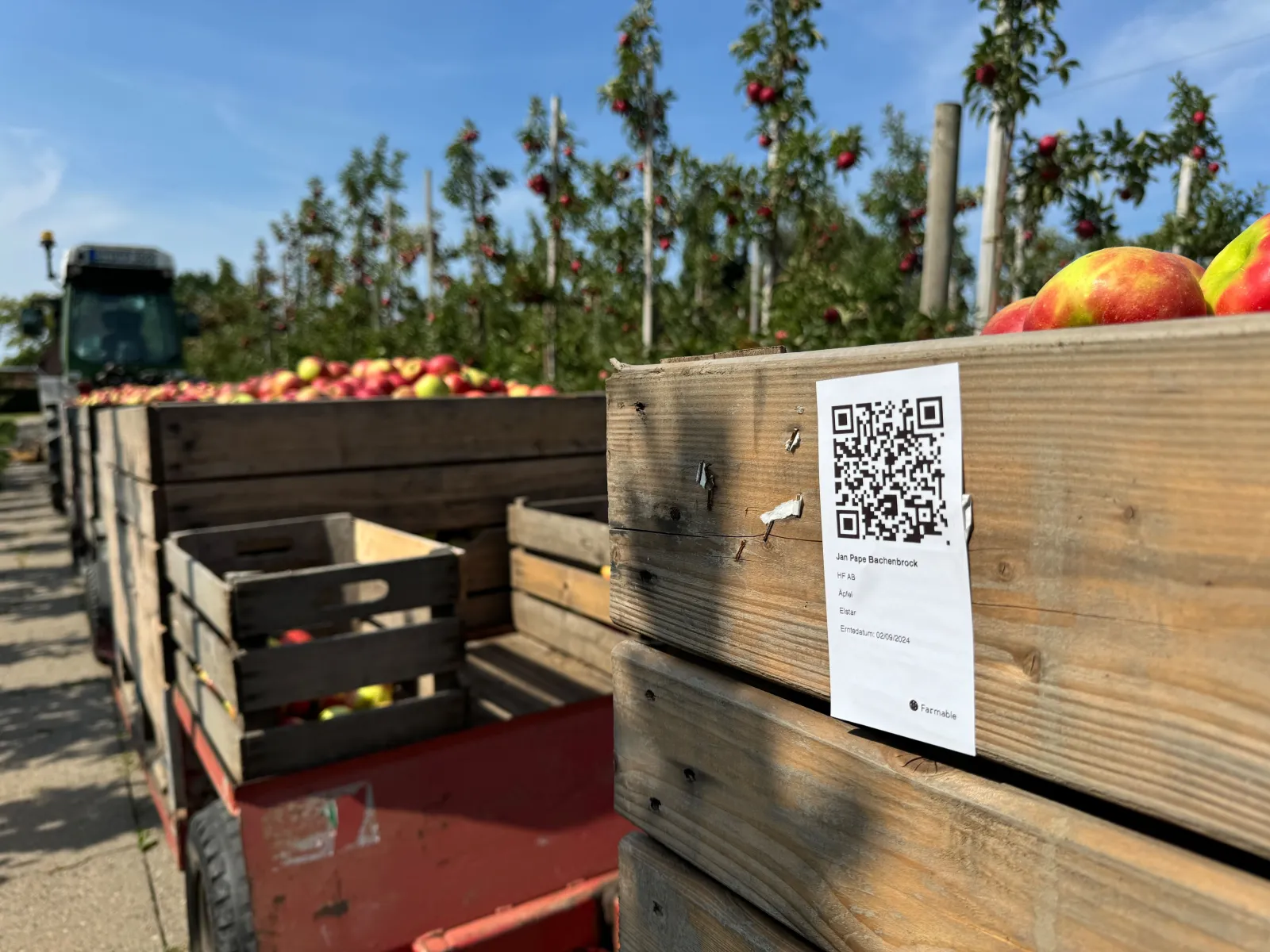
Harvest season is one of the most chaotic periods on any orchard. Hundreds, sometimes thousands, of bins moving through the farm in a matter of weeks. Knowing what's in each one, where it came from, and when it was picked shouldn't require a clipboard and a memory for detail. It should be on the bin.
Farmable now lets you print harvest labels directly from the app. Farm managers asked for it. We built it.
What's on a Farmable harvest label
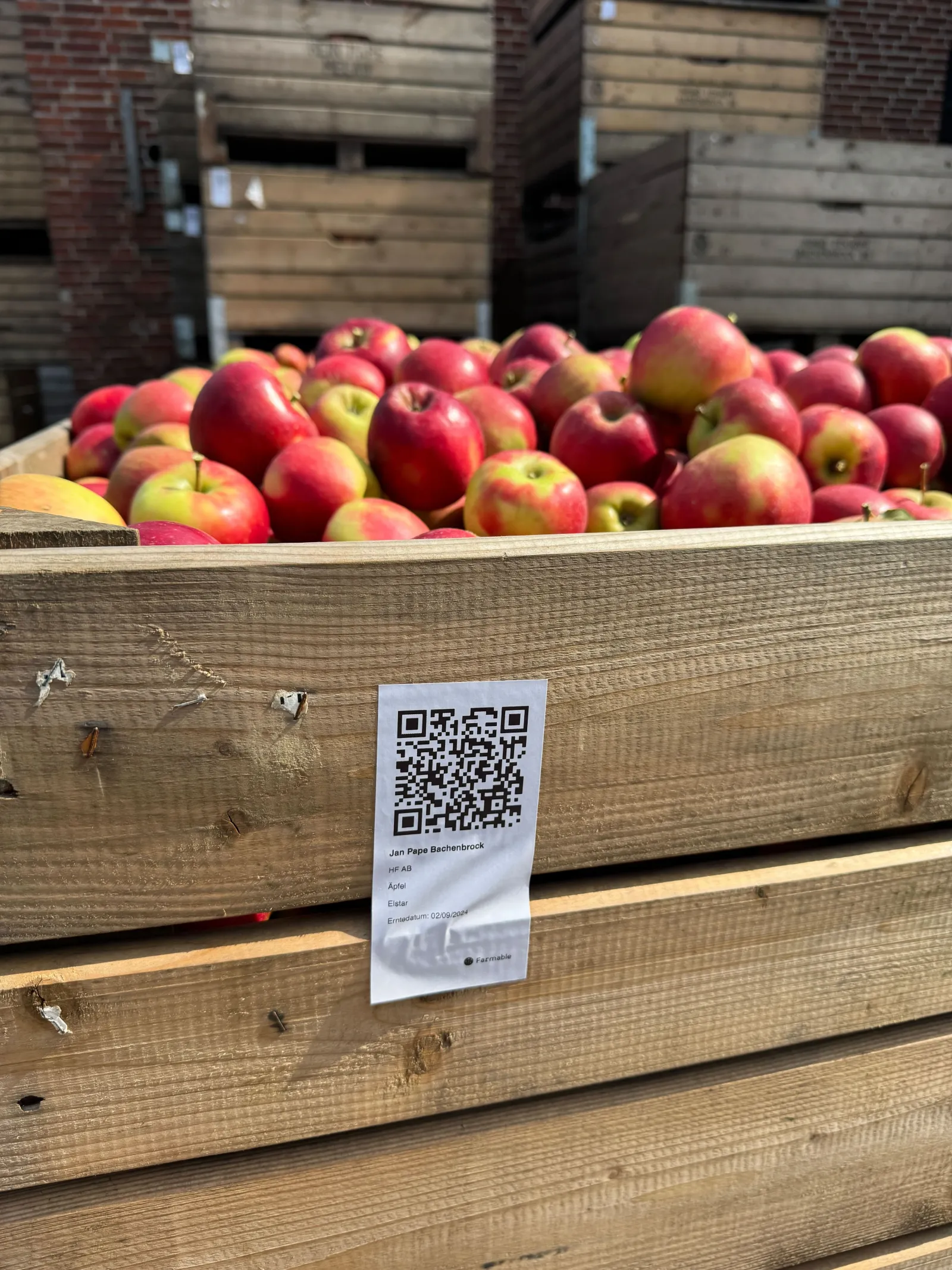
Every label carries the data a packhouse, auditor, or buyer needs:
- Field name - where the fruit was picked
- Crop category - apples, pears, stone fruit, berries
- Variety - exactly what's in the bin (e.g. Elstar, Gala, Braeburn)
- Harvest date - when it was picked
- Batch number - for lot-level traceability
- Volume / box count - or total weight as recorded at picking
- Quality rating - as entered at harvest
- QR code - scan to open the full batch record
Scanning the QR code on the bin reveals:
- The exact field location on a map
- Volume, box count, and quality rating
- Batch number and harvest history
- Spray and input history linked to that field
How it works, three steps
Step 1, Register the harvest batch
When you log a harvest in Farmable, enter:
- Field name
- Box size and count (or total weight)
- Quality rating
- Optional photos, GPS coordinates, and free-text comments
Step 2, Print the label
At the bottom of the Register Harvest screen, tap Print. You'll see a preview of the label immediately. From there you can:
- Print to any connected printer
- Share via WhatsApp, SMS, or email
- Print in-field over Bluetooth (Zebra and Brother compatible), no laptop or WiFi needed
Step 3, Done
The label is on the bin. The record is in the app. Anyone who scans the QR code gets the full batch detail without calling the farm manager. You can also print a label for any historical harvest record at any time.
Why harvest labels matter beyond convenience
Bin control during harvest
For any bin, instantly know:
- Variety in the bin
- Quality rating at harvest
- Volume or box count
- Harvest date
- Field of origin
No clipboard, no manual cross-referencing.
Traceability is becoming mandatory
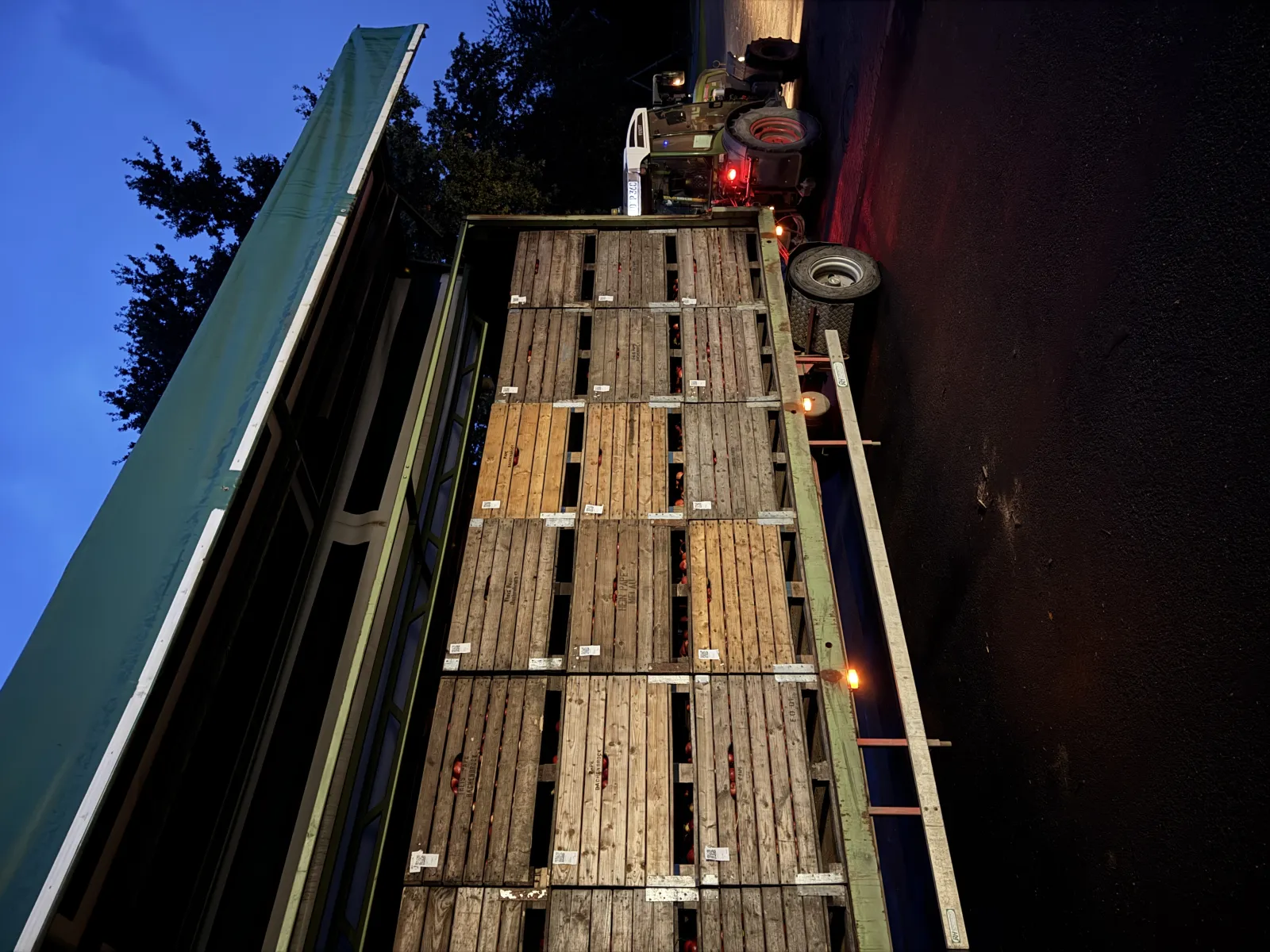
In the USA, FSMA Section 204 requires enhanced traceability records for fresh produce. Every container must link back to:
- Field of origin
- Harvest date
- Growing inputs (sprays, fertilisers)
Farmable harvest labels carry these Key Data Elements on every bin, automatically.
In Europe, the direction is the same. From 1 January 2027, the EU requires digital spray records. Field-level traceability is increasingly expected by retail buyers and export markets.
Field-level ROI
Once you're tracking harvest by field, you're halfway to knowing your revenue per field. Add your sales data in Farmable and you have full ROI per field.
Better negotiating position
When a packhouse downgrades or rejects bins, bin-level traceability gives you the evidence to respond, exactly when and where those bins were picked, what was applied, and what quality was recorded at harvest.
Included in Farmable Pro
Printable harvest labels are included in Farmable Pro at €349/farm/year. The only additional cost is a label printer and rolls.
Harvest Tracking with Farmable: /grower/harvest
The farms that made this happen
This feature exists because farm managers asked for it:
- Jasper Nagel, Jasper Nagel Farm
- Philipp Dellbrügge, Obstbau Dellbrügge
- Henrike Alps, Obstbauer Wedeking
- Jan Pape, Jan Pape Bachenbrock
- Paul Seeley, Alan Hudson Farm

Frequently asked questions
What information is printed on a Farmable harvest label?
Field name, crop category, crop variety, harvest date, batch number, volume or box count, quality rating, and a QR code. Scanning the QR code shows the full batch record including field location, volume, quality, and batch number.
What printers are compatible with Farmable harvest labels?
Any connected printer, or share via WhatsApp, SMS, or email. For in-field use: Zebra and Brother Bluetooth label printers, no laptop or WiFi required.
Is the harvest label feature included in Farmable Pro?
Yes, included in Farmable Pro at €349/farm/year. You will need a label printer and label rolls for in-field printing.
How do Farmable harvest labels support FSMA 204 traceability?
FSMA 204 requires fresh produce containers to carry data linking each lot to field of origin, harvest date, and growing inputs. Farmable harvest labels carry this data on every bin, and the QR code links back to the full spray and harvest record.
Can I print labels for historical harvest records?
Yes, select any historical harvest record in Farmable and tap Print at any time.