
Harvest season can be stressful.
Documenting your day's work doesn't need to be.
Farmable gives you full traceability from picking to packing. Record every bin with a QR label, track yield in real time, and see exactly where each harvest came from, who picked it, and how it performed.
How can I easily track harvest work across the farm?
Harvest on paper, totals only
- •Bin counts written in notebooks and lost between seasons
- •No field-level breakdown, only farm-wide totals
- •No traceability when a buyer or auditor asks where a bin came from
- •No data to compare blocks, varieties or pickers next season
Real-time yield, field by field
- •Live harvest overview by field, variety and team member
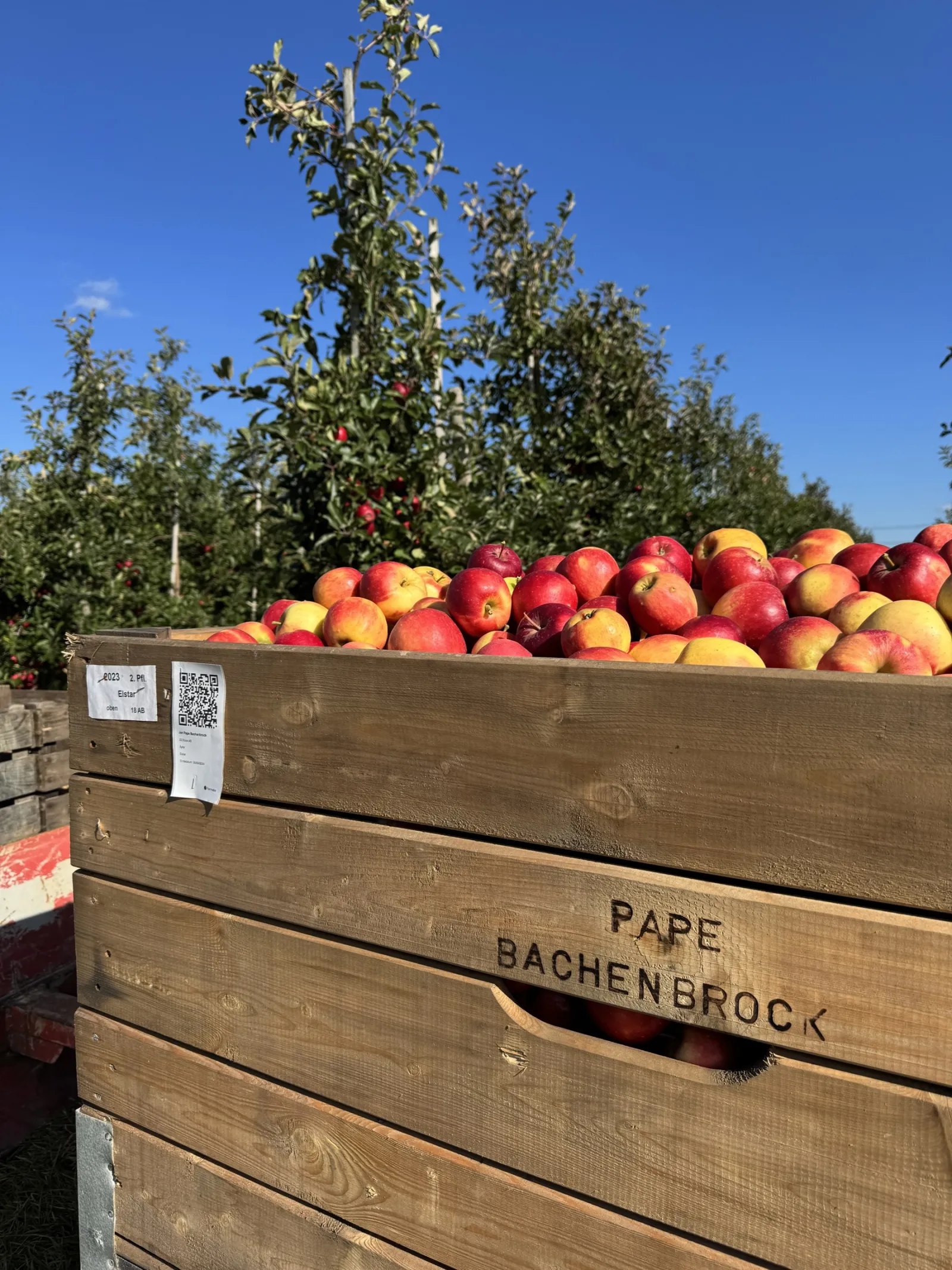
- •QR bin labels capture origin, variety, picker and grade
- •Instant traceability for food safety and buyer requirements
- •Season-over-season data to plan next year's planting
Record harvests on the spot, from any phone.
Capture every pick where it happens. Add a photo, tag the GPS location, record by weight or by bin, assign to a team or an individual, and log quality and variety, all in a few taps. No more notebooks to transcribe at the end of the day.

Scan a bin. Know everything.
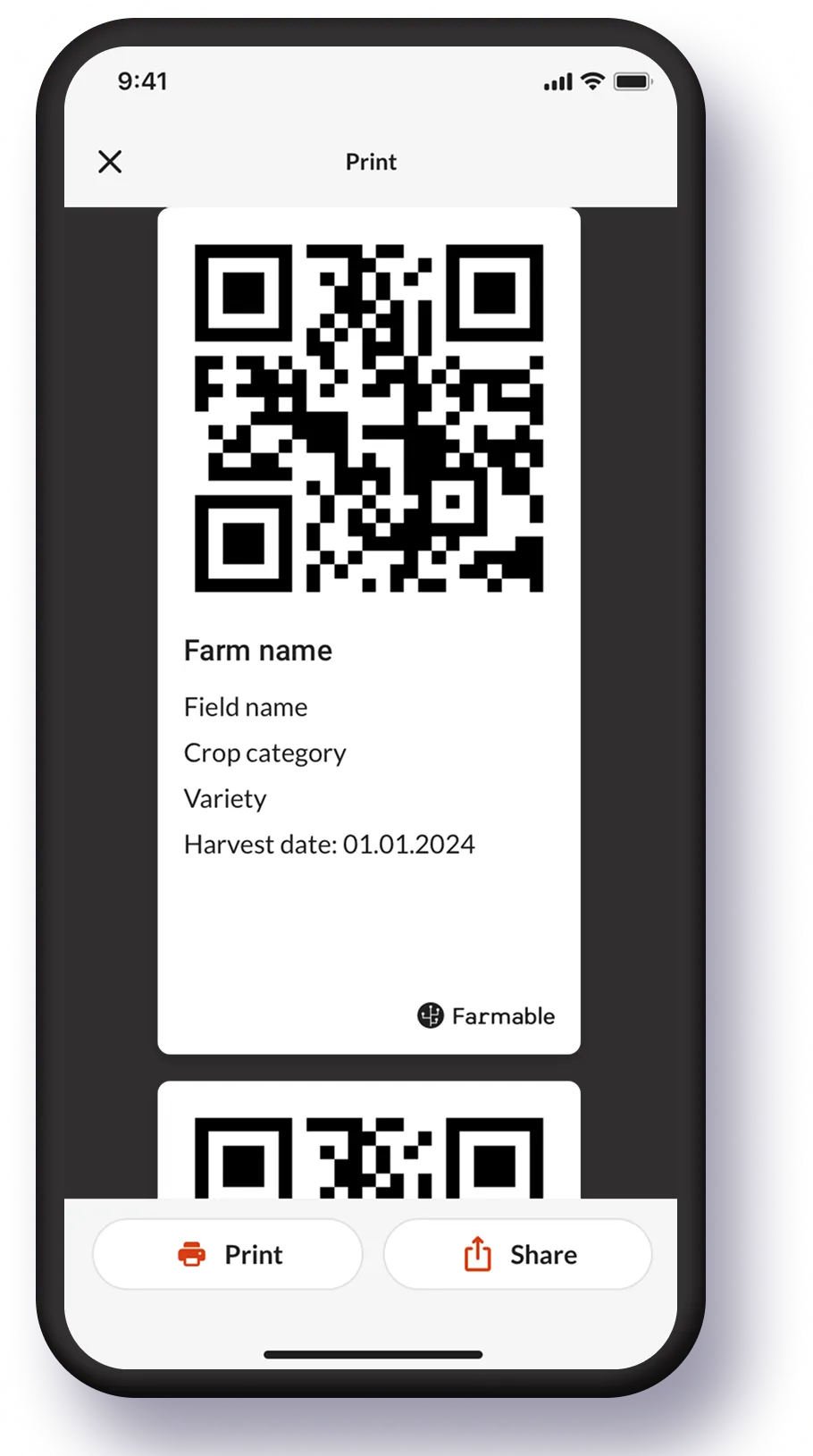
Farmable generates QR labels for every harvest bin. Scan one and you see the field of origin, variety, picker, date, quality grade and volume instantly. The same scan doubles as your audit trail for food safety traceability.
How is the harvest going? Check the app, or the desktop.
The harvest dashboard gives you live totals by field, by variety, and by team member. View it on the mobile app in the field, or on your desktop in the office, the same real-time numbers, wherever you are.

Which field actually makes money?
Connecting harvest records to the Farmable Sales Management module gives you revenue per field and per variety. Compare blocks, varieties and seasons side by side, so next year's planting decisions are based on data, not gut feel.
Built for the way you actually harvest.

Foolproof harvest solution for the whole team.
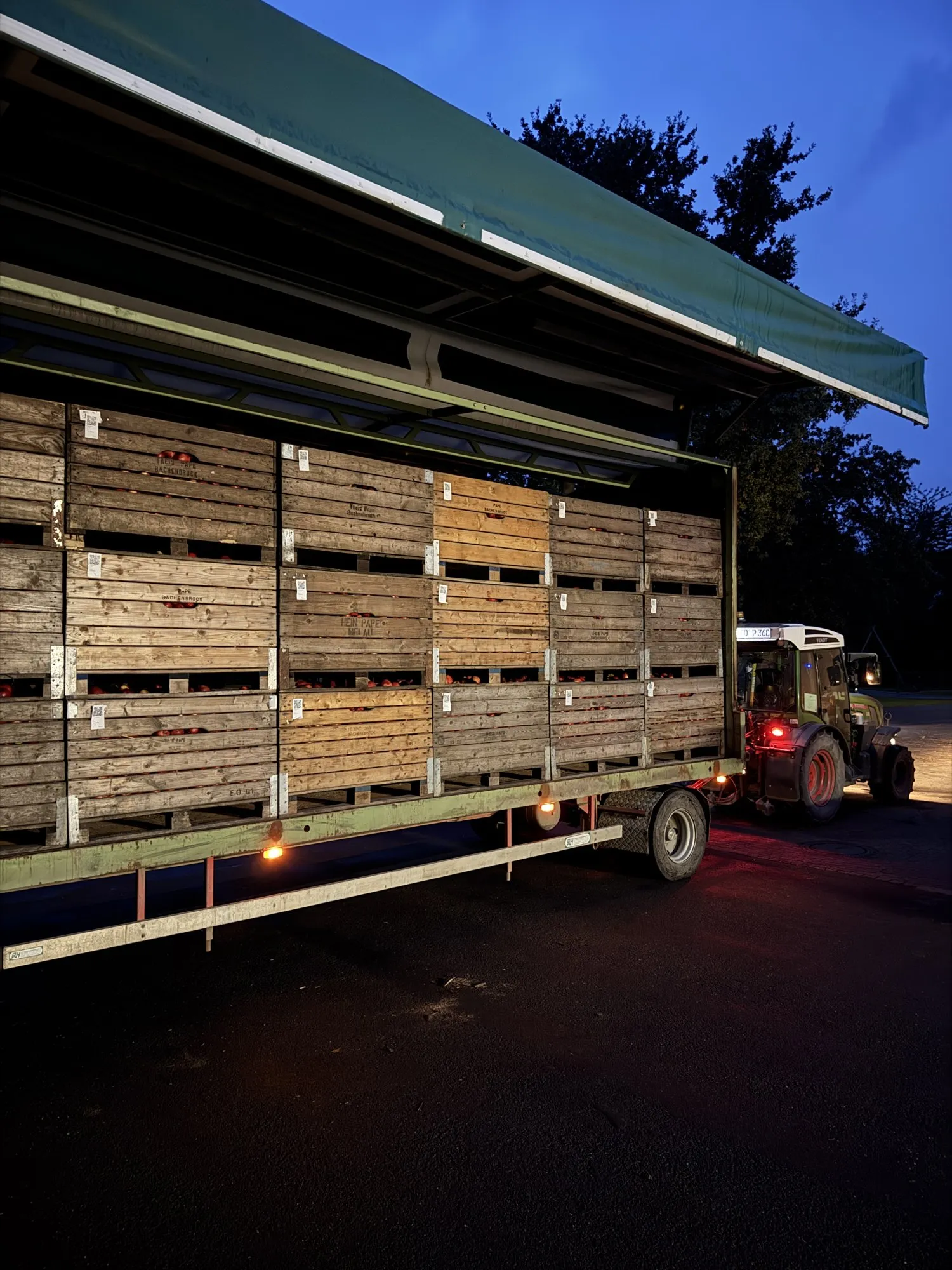
I manage the harvest recording securely in one place. The setup is super easy and foolproof, it was done in just a few minutes.
Jan Pape, apple grower
Read the full story →See a harvest job recorded in the app.
Walkthrough of creating a harvest job in the Farmable app: pick the field or block, choose to record by weight or by bin, assign it to a team or team lead, and capture every harvest entry from the orchard. A quick look at the daily workflow growers and pickers use during harvest season. Estimated watch time: 3:16.
Harvest tracking questions
Farmable records every harvest entry against a specific picker or team, with the volume (by weight or by bin) and the field it came from. Export the harvest log to a spreadsheet at the end of the day, week or season and multiply each picker's volume by your piece rate. Combined with the Teams & Timesheets module, you get hours worked and harvested volume side by side, so paying piece rate is a simple calculation, not a paperwork exercise.
See Teams & Timesheets →